Charging
Charging the battery by USB
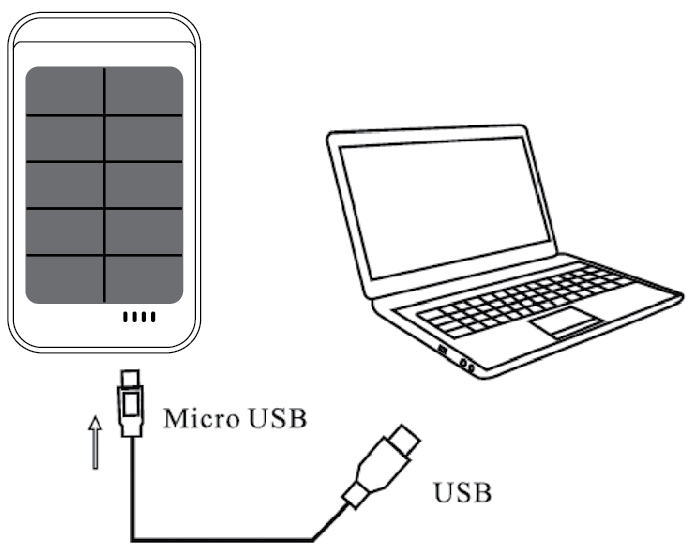
- Connect the enclosed USB cable between the micro USB port on the battery and a USB port in a computer, or potentially a USB to AC adapter, such as Sandberg item no. 440-56 (EU)/440-77 (UK).
- The charging status can be read in the LEDs as follows:
| One LED flashes |
0-25% charged |
| Two LEDs flash |
26-50% charged |
| Three LEDs flash |
51-75% charged |
| Four LEDs flash |
76-100% charged |
When batteries are fully charged, all four LEDs will light constantly.
NB: If the battery is switched off, you can read the charging status in the LEDs by pressing the button.
Charging the battery by sunlight
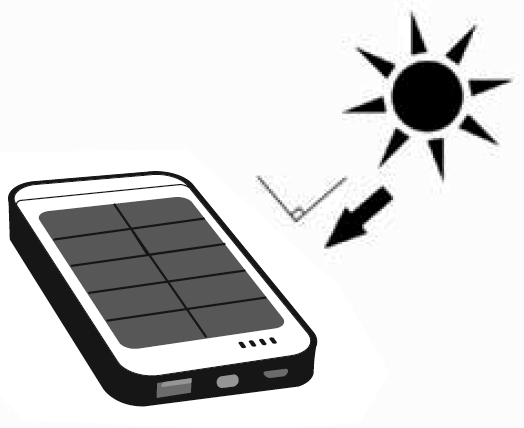
Place the battery in direct sunlight with the solar cells facing up. When charging by sunlight, the first LED is red. You can check the charging status by pressing the button.
Charge device
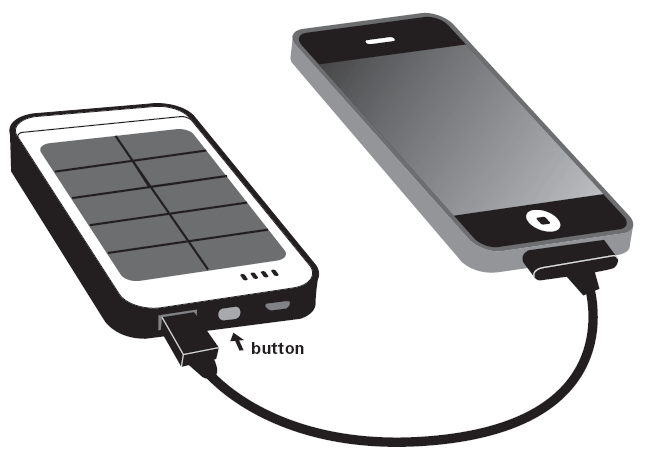
Connect the PowerBank to your device to charge it.
Reverse the provided cable for Micro USB devices. Use original cable for other devices like for example an iPhone.
Press the button to start charging. |